UI/UX Design
We design interfaces that are clear to use and true to your brand: from user research to clickable prototypes and design systems, handed over in a form developers can build from directly.
Our work
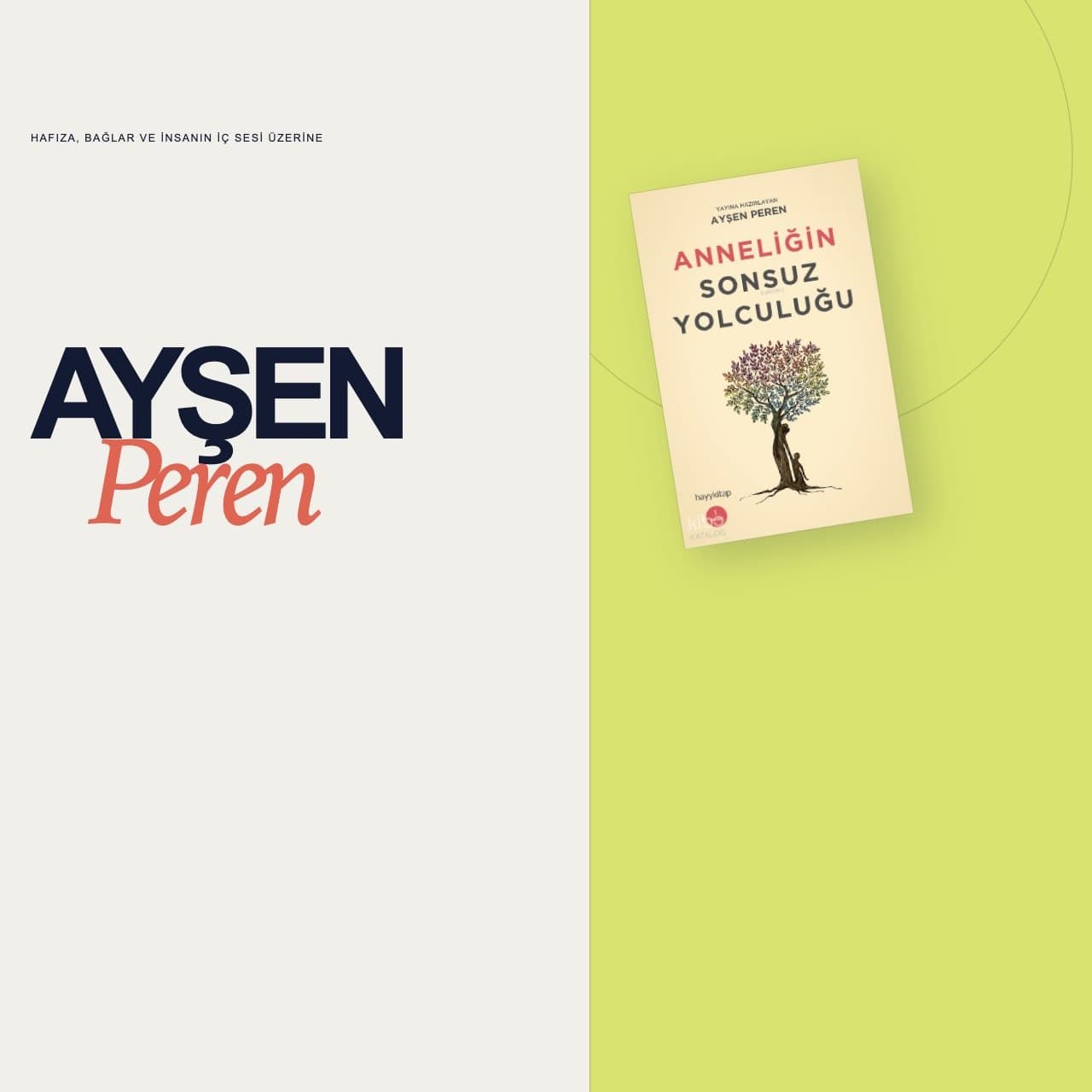

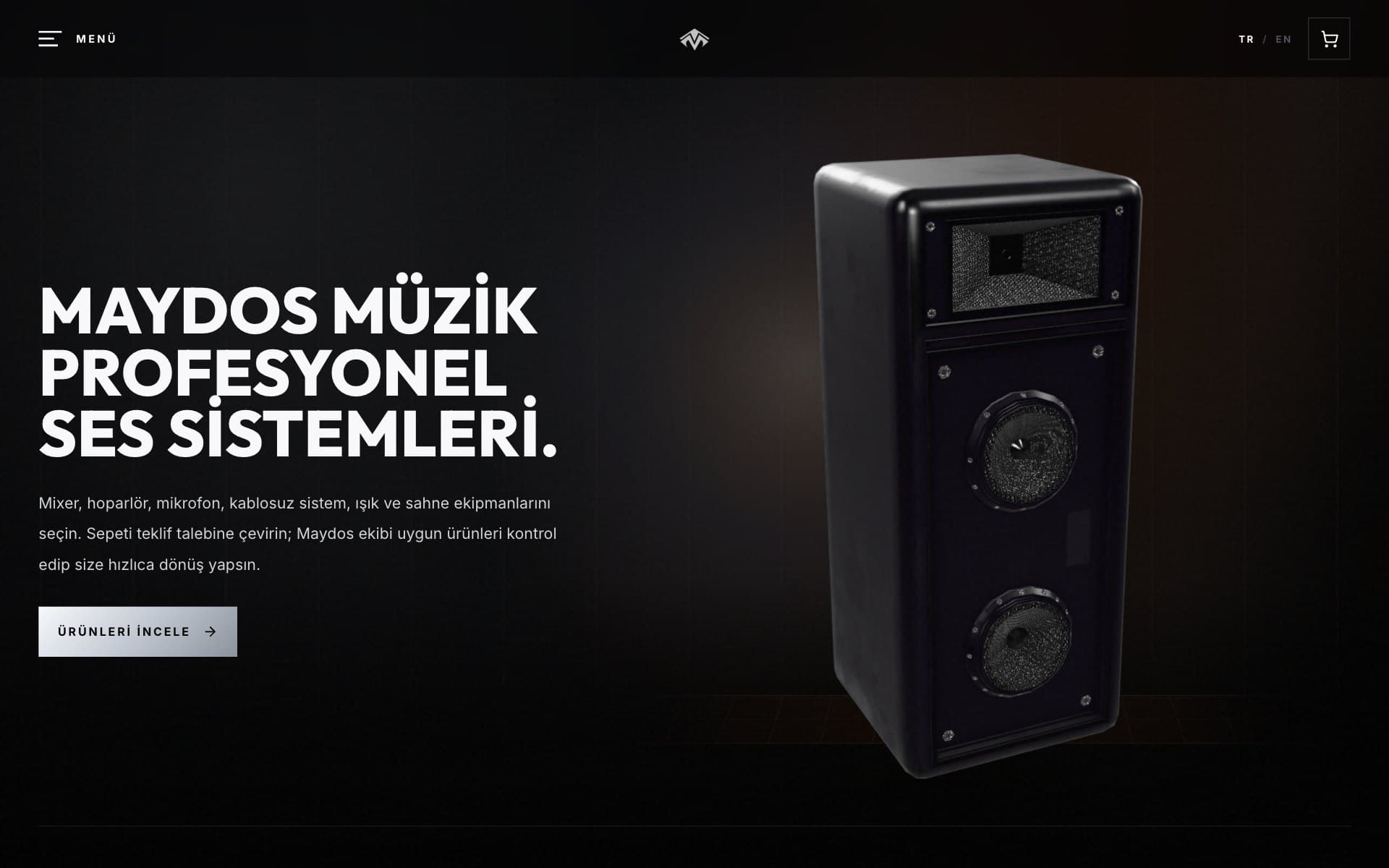


What's included
UX Research and Wireframing
We study your users' needs and lay out the product's structure and key user flows before any visual styling.
UI Design and Clickable Prototypes
We turn on-brand screen designs into clickable prototypes you can test with real users.
Design Systems
We gather buttons, forms, cards and menus into one component library, keeping design and code consistent as the product grows.
Mobile App Interfaces
We design screens that follow iOS and Android conventions and work for one-handed use and different screen sizes.
Usability Testing and UX Audits
We review your existing product with user tests and analytics and turn the sticking points into a prioritised list of fixes.
Accessible Design
We handle colour contrast, text size, keyboard navigation and screen reader support in line with WCAG guidelines.
Questions
How is the design handed over to developers?
We prepare a tidy Figma file built with auto layout and a clear grid, so developers can inspect spacing, fonts and colours and export assets directly in Dev Mode. We keep answering your developers' questions throughout the build.
What is the difference between UI and UX?
UX is about the steps a user takes to get something done and how easy that is; UI is how those steps look on screen, from colour and typography to components and layout. We handle both in the same team.
Do you research competitors before designing?
Yes. Reviewing competing products and understanding your target users and their scenarios is the first step of our design process.
Can we hire you for design only?
Yes. You can take the designs to your own developers, or have us handle both design and development.
Do we need to redesign our product from scratch?
Usually not. We start by reviewing the current product and its usage data, then improve it step by step, beginning with the flows that cause the most trouble.
How long does UI/UX design take and how is it priced?
It depends on the number of screens, the depth of research and whether you need a design system. Once scope is clear we share a timeline and a transparent quote, as a fixed project price or a monthly retainer.
Related guides
All articlesUI vs UX Design: What Is the Difference?
UI vs UX design explained with practical examples: what each discipline covers, typical deliverables, how they work together and how to tell which is broken.
How to Build a Design System in Figma: Step by Step
Learn how to build a design system in Figma: variables, components, variants, file structure and documentation, plus how to keep it in sync with your code.
Mobile App Onboarding Design: The First 60 Seconds
Mobile app onboarding design for the first 60 seconds: patterns, sign-up flows, permission timing, common mistakes and the metrics that tell you what works.
Landing Page Design: Principles That Increase Conversions
Landing page design that increases conversions: message match, value proposition, page structure, CTAs, forms, speed and A/B testing in one practical checklist.